
Search QR Codes…My ICQR
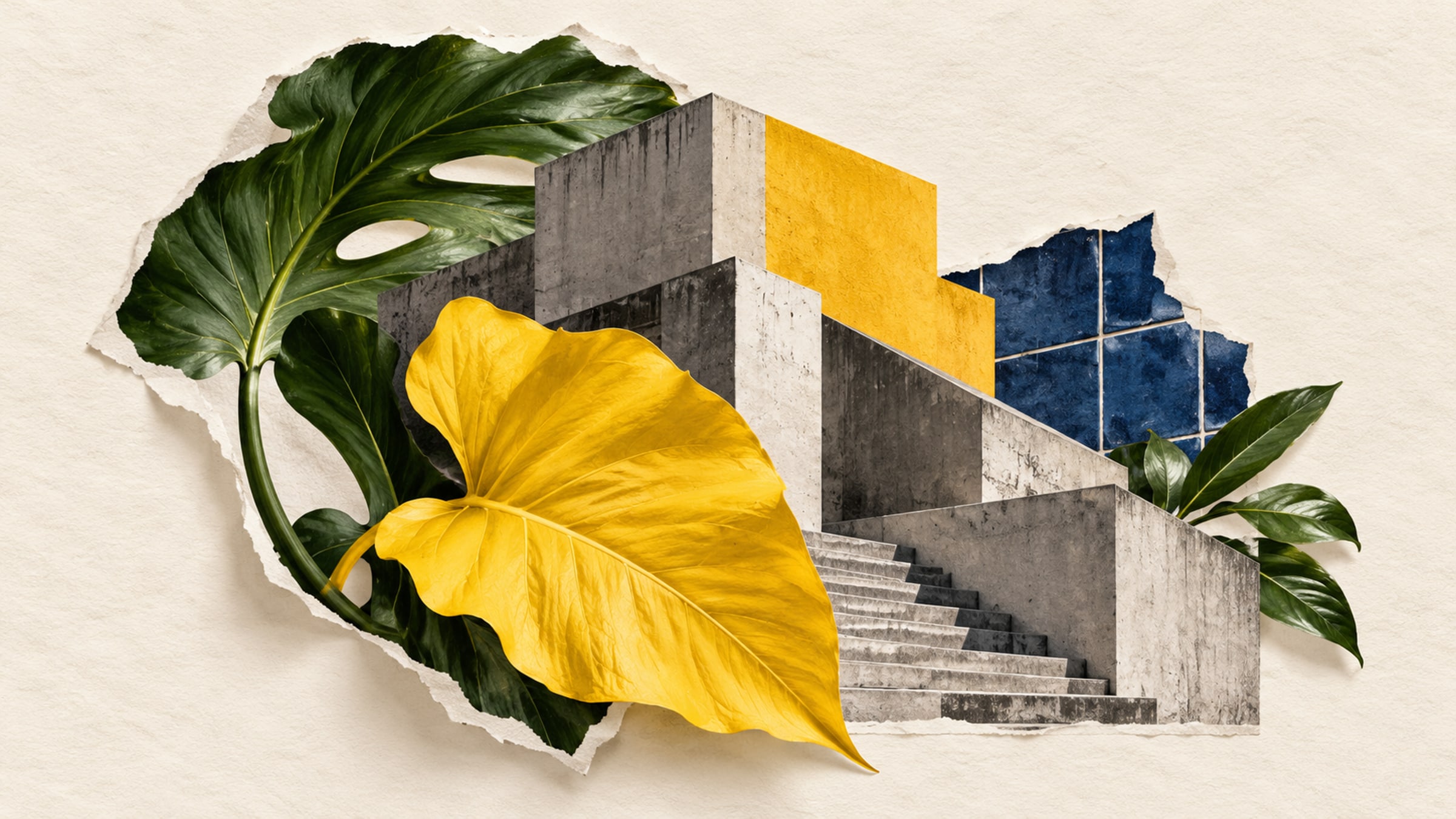
A leafy illustration on a timber counter and a geometric composition beside a concrete wall can both feel at home. Swap them around and the result may be less convincing. Choosing artistic QR code design is partly about what surrounds the image.
Begin with the destination and the physical placement. A card offering a guest guide needs a clear caption and enough room to scan. Once those are settled, compare artwork against the materials, colors and visual density of the space.
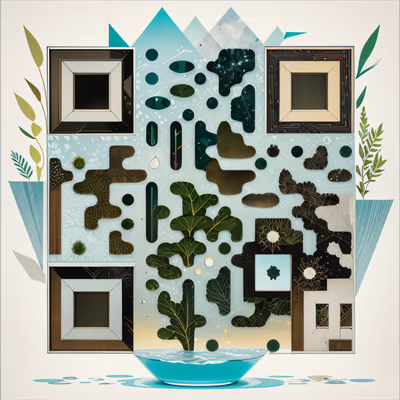
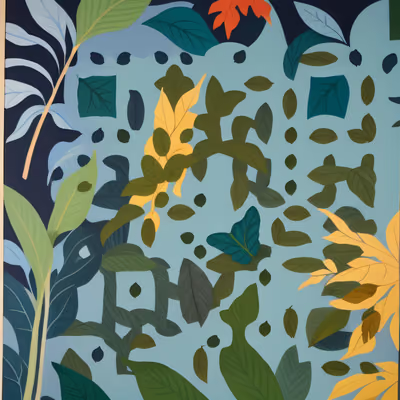
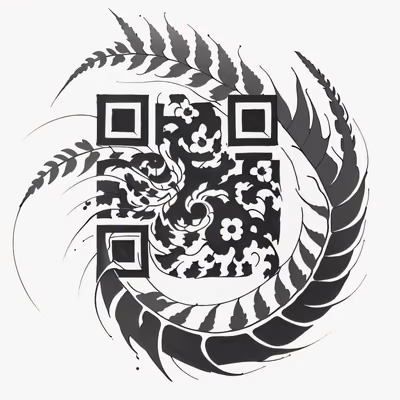
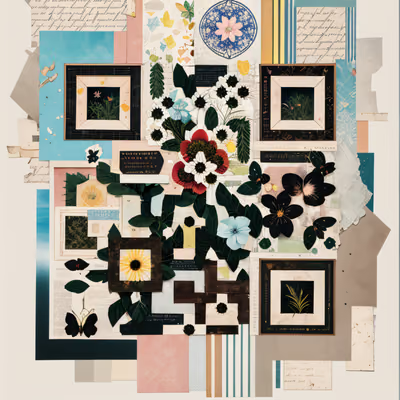
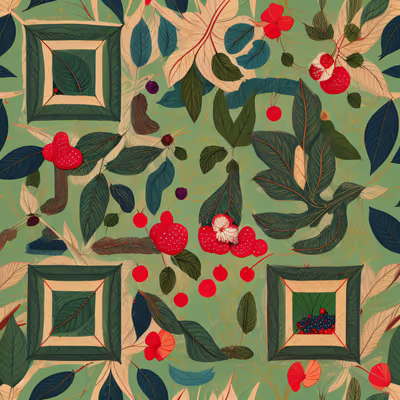
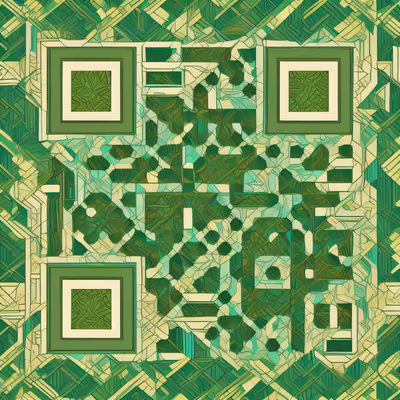
Leaves, fine branches and paper-garden shapes bring irregular contours into a rectangular card. They can sit comfortably beside wood, linen and ceramic surfaces, especially when the rest of the sign is restrained.
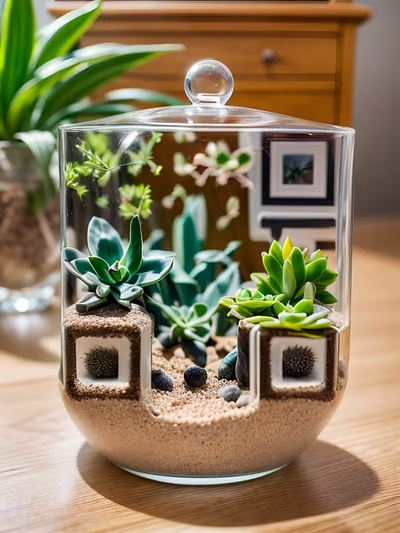
The selection below includes flat leaf shapes, a photographed terrarium and layered paper imagery. Look at the silhouette before the small details. At card size, the broad shape may matter more than the texture you noticed in the full-screen preview.
For a salon reception card, a botanical design can introduce a booking link without requiring a portrait. In a guesthouse, it might accompany a local walking guide. Keep the caption specific to the task; the image supplies the atmosphere.
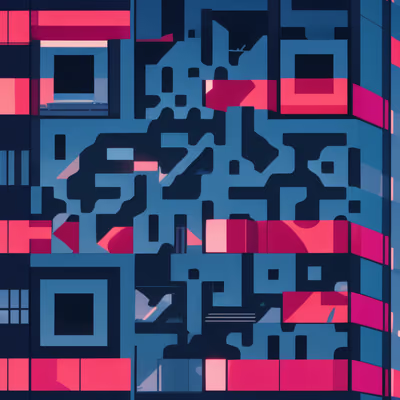
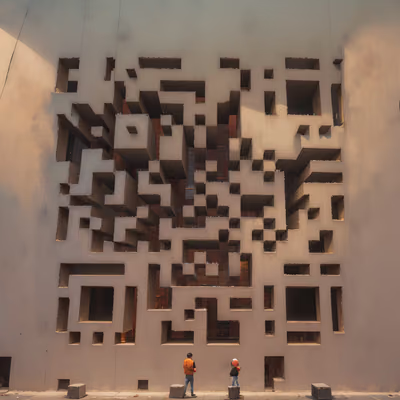
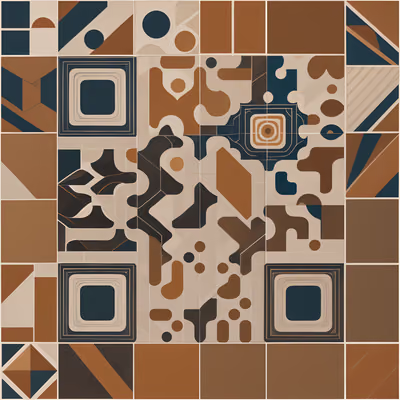
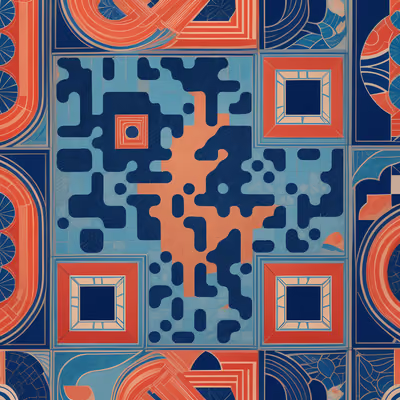
Tiles, facades and repeated shapes create a more structured rhythm. They can suit modern interiors or a sign system with strong typography. A carefully chosen accent color can connect the code to the room without needing to recolor the artwork.
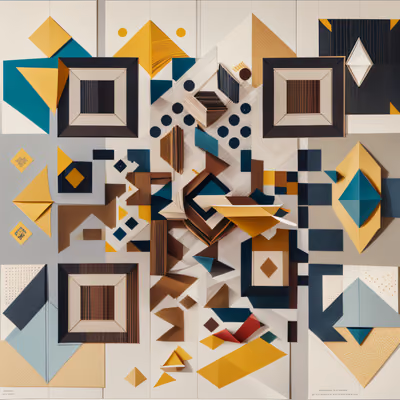
These examples range from concrete architecture to patterned tiles and paper geometry. Some are visually dense. Compare them at the intended print size and leave plenty of space around the caption.
A busy tile design may compete with a patterned wall. Try it against a plain backing, or choose a quieter image. An architectural QR can also evoke a city or a type of building without serving as a literal picture of your venue.
Place two or three candidates in a simple layout at the correct size, with the real caption and surrounding colors. Print the layout and put it where the final sign will stand. A monitor preview cannot reproduce the material, lighting or viewing distance.
Ask someone to find the action without coaching. If they admire the artwork but miss that it can be scanned, improve the caption or placement. The design does not need a large arrow or an instruction paragraph; a readable phrase such as "Open the guest guide" may be enough.
Use the complete high-resolution artwork. Do not crop out corners, stretch it to a different shape, overlay your logo or recolor it without checking that the result still scans. Preserve the clear margin around the image.
Artistic designs need careful testing because decorative detail and the print surface can affect readability. A successful digital test is useful evidence, but it does not certify every size and material.
Scan the installed sample with different phones, open the destination and complete the intended task. Test under the lighting visitors will use. Keep a short address or another way to get the same information available.
A QR code provides the link. Booking, music playback and photo sharing happen in the service at the destination. The right design is one people notice, understand and can use in the place you have chosen.
For specific layouts, continue with restaurant table cards, hotel guest guides or salon booking signs.
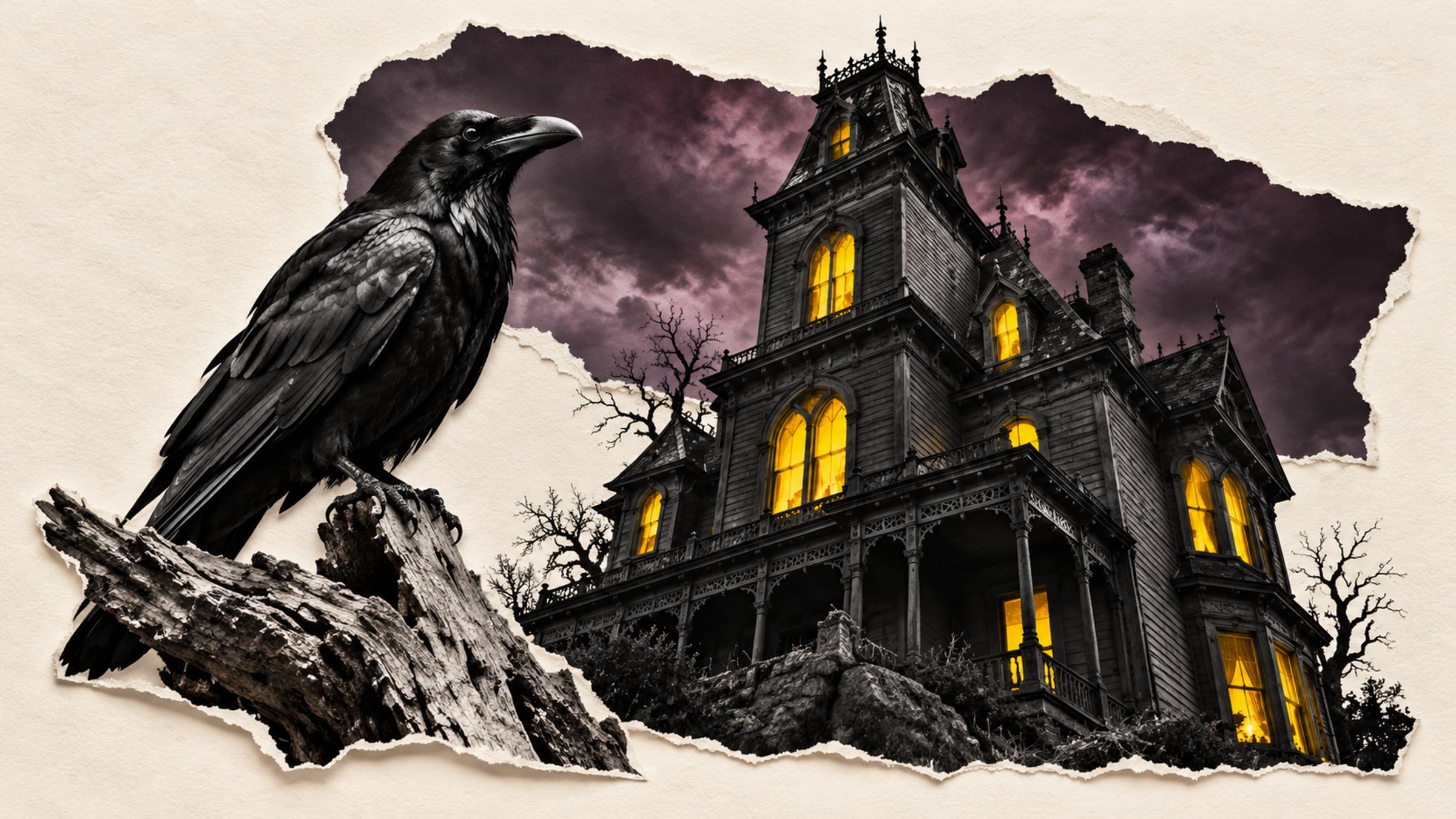
Give a haunted portrait a voice or let visitors uncover the history of a crooked house. A small scan prompt can become part of the scene.
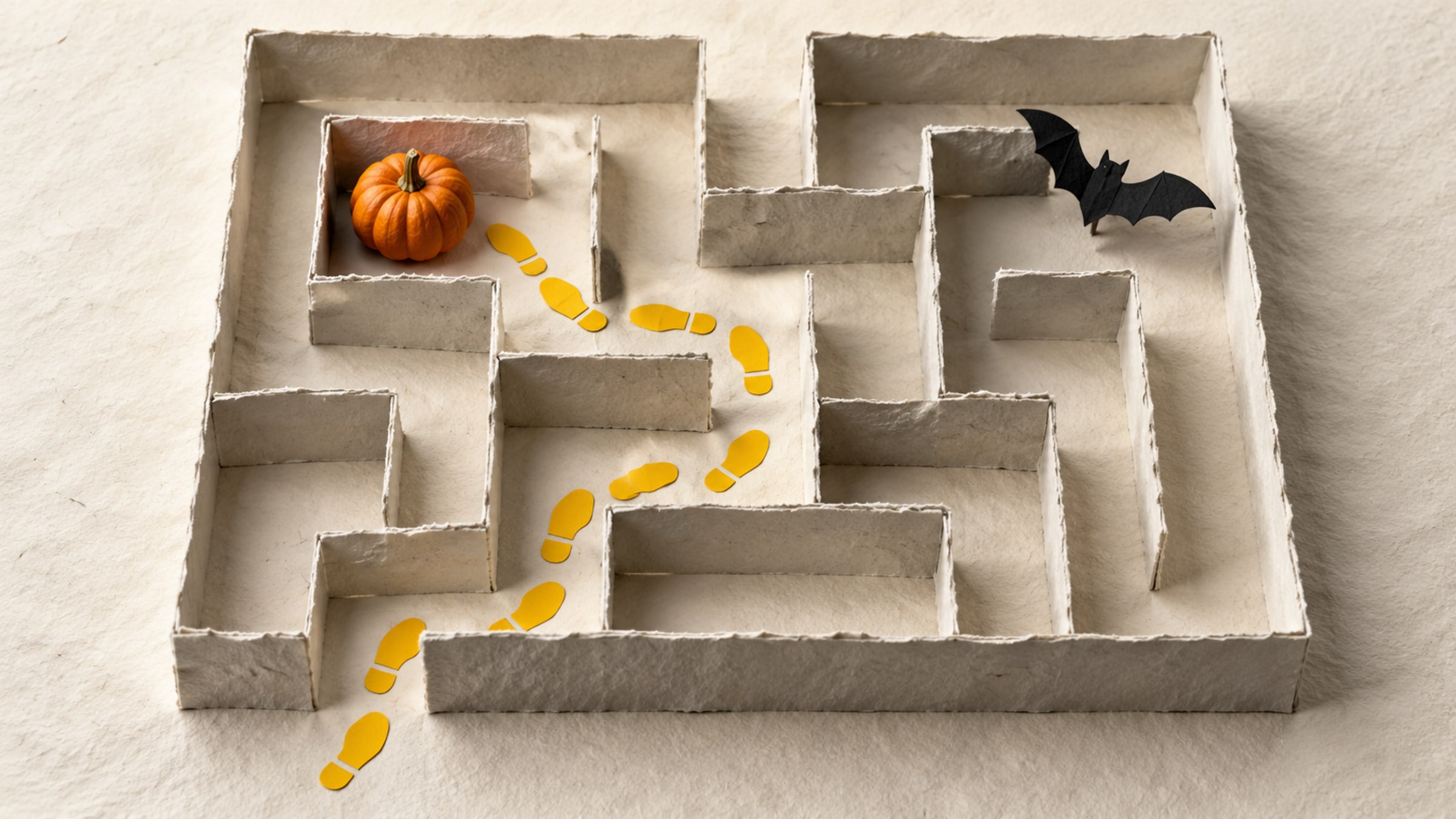
Build a short trail with a clear start, readable clues and a satisfying finish. This five-stop plan includes a paper fallback for guests without a phone.