
Search QR Codes…My ICQR
A crooked portrait hangs beside the front door. Beneath it, a small sign reads, "Hear what happened to the last owner." The QR opens a short recording, and a decoration becomes the start of a story.
Halloween QR code decorations work well when the digital part adds something to a physical scene. Give visitors a reason to stop, but let the prop remain enjoyable for anyone who walks past without scanning.
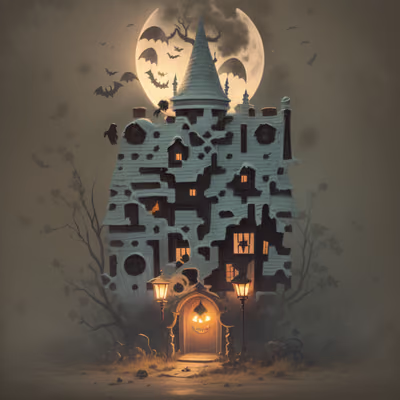
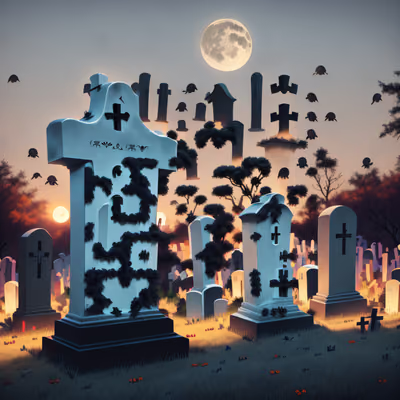
Choose a prop first, then decide what a scan reveals. A haunted portrait could link to a fictional diary entry. A miniature house could have a room-by-room story. A graveyard sign might open a page of invented epitaphs, with a short puzzle hidden among them.
Keep the first screen simple and show the story immediately. A signup form or a long explanation breaks the mood. If the page contains audio, give it a visible play button and a written version. Visitors may have their sound turned off or be standing beside someone who does not want a surprise.
Write original material or use media you have permission to share. Label intense content before it plays. For a mixed-age event, give families a way to choose a gentle version without having to open the scary one first.
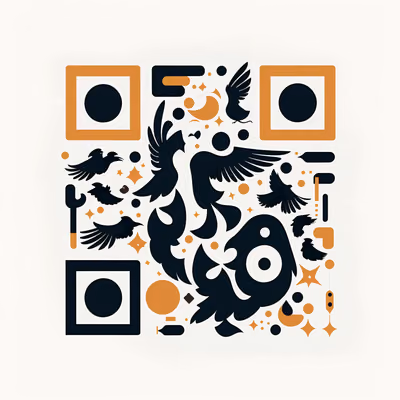
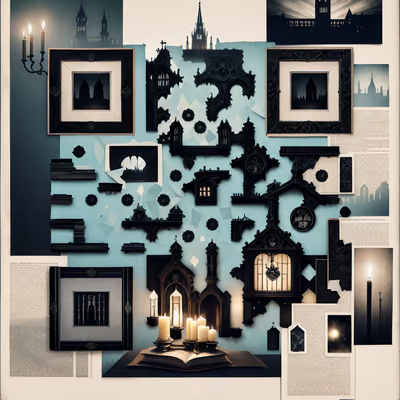
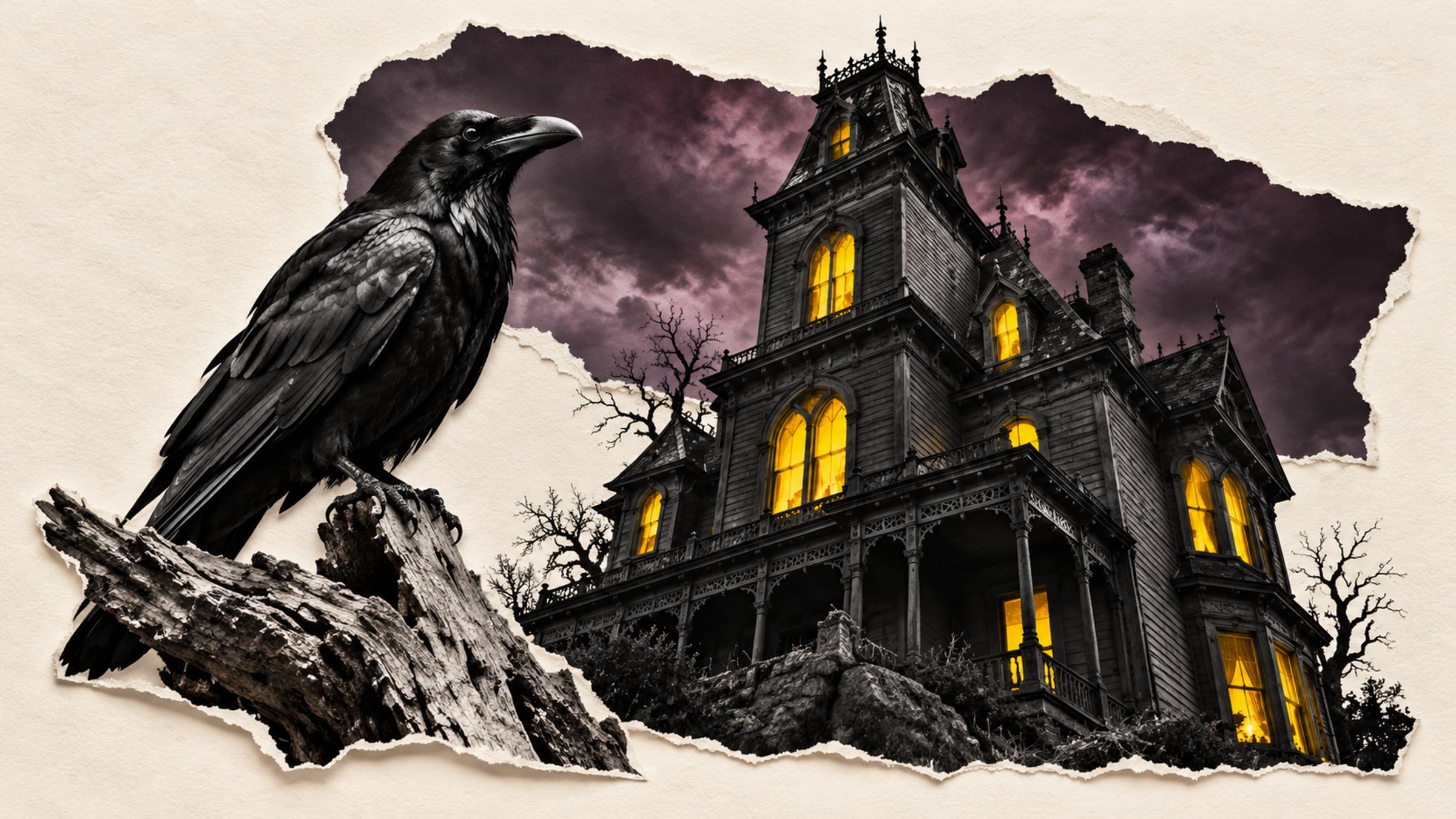
Gothic buildings work well on a house-history sign; a raven can introduce a message from an imaginary watcher. Match the image to the story so the artwork does some of the explaining before anyone reads the caption.
This selection leans toward old houses, graveyards and midnight visitors. For a lighter event, use the friendly characters in our Halloween scavenger hunt guide instead.
Age the backing board, add a crooked frame or choose a suitable typeface for the caption. Keep those effects outside the QR artwork. Fake cracks, dirt and painted blood across the code can spoil the scan even when they improve the prop.
Give the image a flat, stable mounting surface. A clear border should separate it from textured wood or dark fabric. Avoid wrapping it around a narrow bottle, folding it into a paper scroll or hanging it where it swings continuously.
The caption can stay in character while explaining the action. "Read the caretaker's warning" tells a visitor more than "Scan me." Put a short address on the sign as an alternative route.
A successful scan at the kitchen table does not tell you how the prop behaves on a dark porch. Test it after installation, with the lights and other decorations switched on. Make sure visitors have a comfortable place to stop without blocking steps or an exit.
Use steady light on the code if the rest of the scene is dark. Check whether a protective cover creates glare, and try the destination on mobile data. Keep a printed version of the story nearby if reception is unreliable.
If visitors take a card home, let its link continue to open the story. When you change next year's display, a maintained landing page can explain which version they are reading. Store your recordings, source text and print files together so you can reuse the scene without rebuilding it.
A QR link alone will not trigger lights or a fog machine. That needs a separately designed control system. For a simple home display, a story page or a visitor-started audio clip is enough.
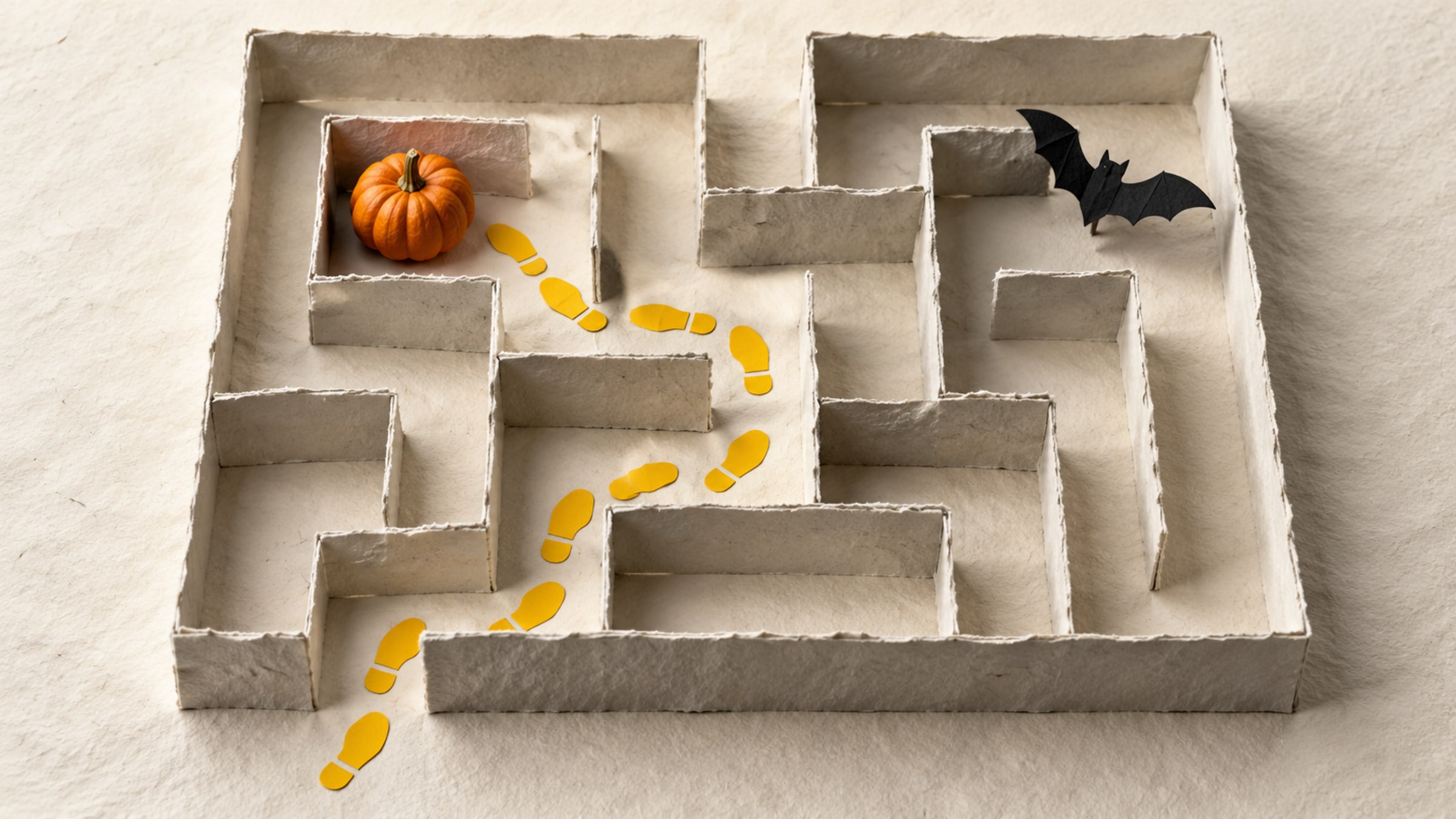
Build a short trail with a clear start, readable clues and a satisfying finish. This five-stop plan includes a paper fallback for guests without a phone.

A family recording tucked into a card can outlast the wrapping paper. Make a keepsake with a link you can maintain and sharing settings you understand.