
Search QR Codes…My ICQR

The person outside your salon is deciding whether to book. The client at reception may already be thinking about their next appointment. Someone unpacking an aftercare card at home needs instructions for the service they received. Those moments call for different destinations.
Plan salon QR codes around those situations, using your existing booking system and your own approved service information. You can start with one well-placed code and add others when there is a clear reason.
A street-facing sign should explain the action in a few words: "See services and book" is useful when a visitor has not chosen a treatment yet. Link to a mobile page that shows your location, service list and the route into booking.
Test from the pavement, at the distance a passerby can comfortably stand. Reflections and changing daylight can make a code behind glass difficult to read. Check the installed print from outside; do not judge it only from the artwork file.
If the booking platform requires an account, let customers discover that before they commit to a long form. Confirm that cancellations and location choices lead to the right salon. A QR link cannot correct a confusing booking flow.
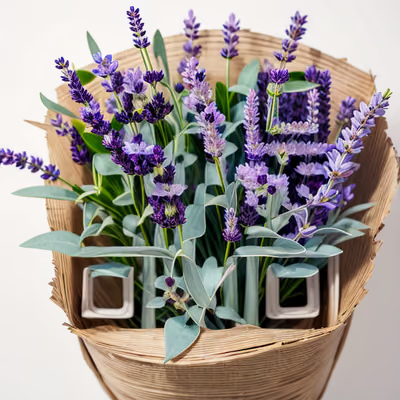
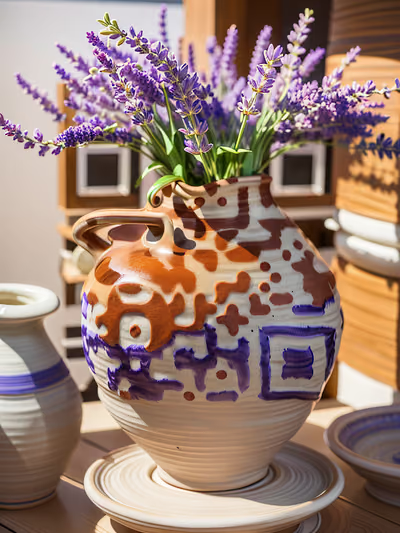
Botanical drawings and floral still lifes can sit comfortably beside natural textures, while a photographic perfume composition may suit a more formal reception area. You do not need another face on the wall to communicate beauty.
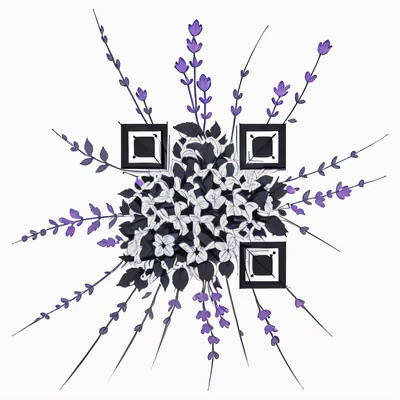
This selection combines perfume and flowers with leaf shapes and fine ink drawing. Treat the artwork as part of the card layout, leaving room for an ordinary readable caption. The instructions should never disappear into the illustration.
An aftercare card should open the instructions for the service named on it. A generic homepage forces the client to search at the moment they expected an answer. Label different cards clearly so staff can hand over the correct one.
Use instructions written or approved by the professional responsible for the service. Include an appropriate contact route for questions. The code carries the link; it does not assess a client's condition or replace the advice they received during their appointment.
Keep essential instructions on the physical card as well. A client may want to put the card beside a product and read it without handling a phone. Avoid putting personal appointment details into a page anyone with the link can access.
A reception sign can link to your existing gift-card shop. State whether the customer is buying a digital voucher or arranging a physical card. Before printing, check the purchase route on a phone and make sure the gift-card terms are easy to find.
Booking and buying a gift are different tasks. If both codes are near the till, use separate captions and enough space that customers do not scan the wrong one. For a small counter, a single page with those two clearly named choices may be easier to use.
Test a printed sample in its final holder. Watch for reflections from mirrors or glossy acrylic, and position it where clients can point a camera directly at it. Keep cards away from spills and replace damaged prints.
When a service or booking provider changes, include the affected QR destinations in the update checklist. For product sleeves and take-home kits, our packaging guide covers folds, curved surfaces and print checks.

Give a haunted portrait a voice or let visitors uncover the history of a crooked house. A small scan prompt can become part of the scene.
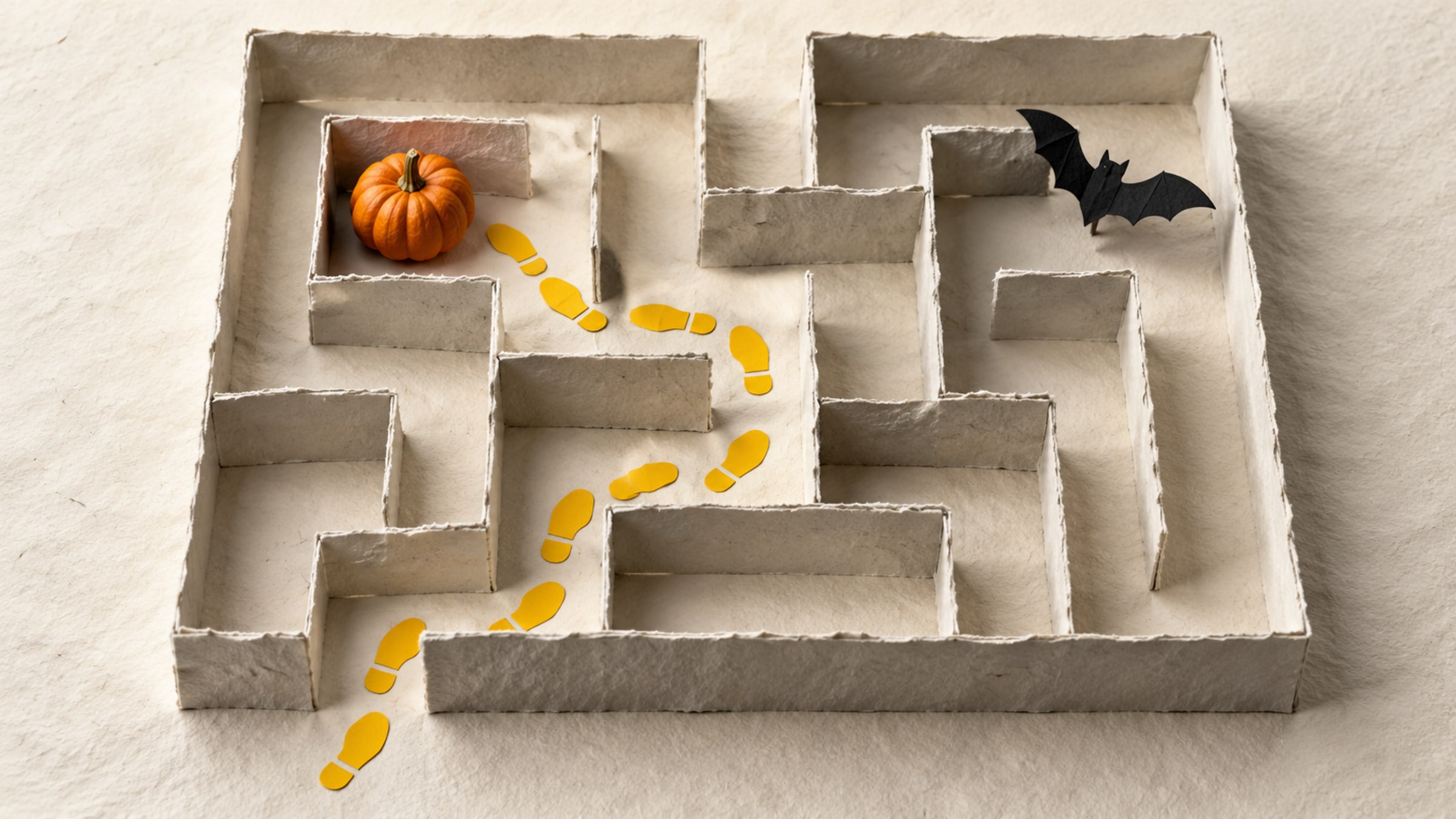
Build a short trail with a clear start, readable clues and a satisfying finish. This five-stop plan includes a paper fallback for guests without a phone.